
How Can You Save A YouTube Video? [Updated]
Let’s say you need a video for a lesson, but YouTube is blocked in your district.
Or maybe you have spotty internet service and you’ve got an observation and don’t want to have a problem in the middle of a lesson. Or maybe you just need the full version of a video to use in another digital media project.
Whatever the case, you may need to save a YouTube video for use in your classroom. Let’s take a look at how it works.
See also How To Identify Your iPad Model
Special Note
You might see websites or apps and other tools that say they can download any YouTube video. Be very careful with these.
- They can be unsafe: Some of these can give your devices viruses or malware.
- They might not work: YouTube often changes things, and these downloaders can stop working suddenly.
- It can be against the rules: Downloading copyrighted videos without permission is not okay and can get you into trouble. Always respect the video creators’ rights.
More Legal and Ethical Considerations
While downloading videos for educational purposes often falls under fair use, it’s crucial to:
1. Ensure the content is used solely for educational, non-commercial purposes.
2. Avoid distributing downloaded content beyond the classroom setting.
3. Respect copyright laws and YouTube’s terms of service.
Note: Only download Creative Commons or those that explicitly grant permission for downloading and educational use.
How Can You Save A YouTube Video? [Updated]
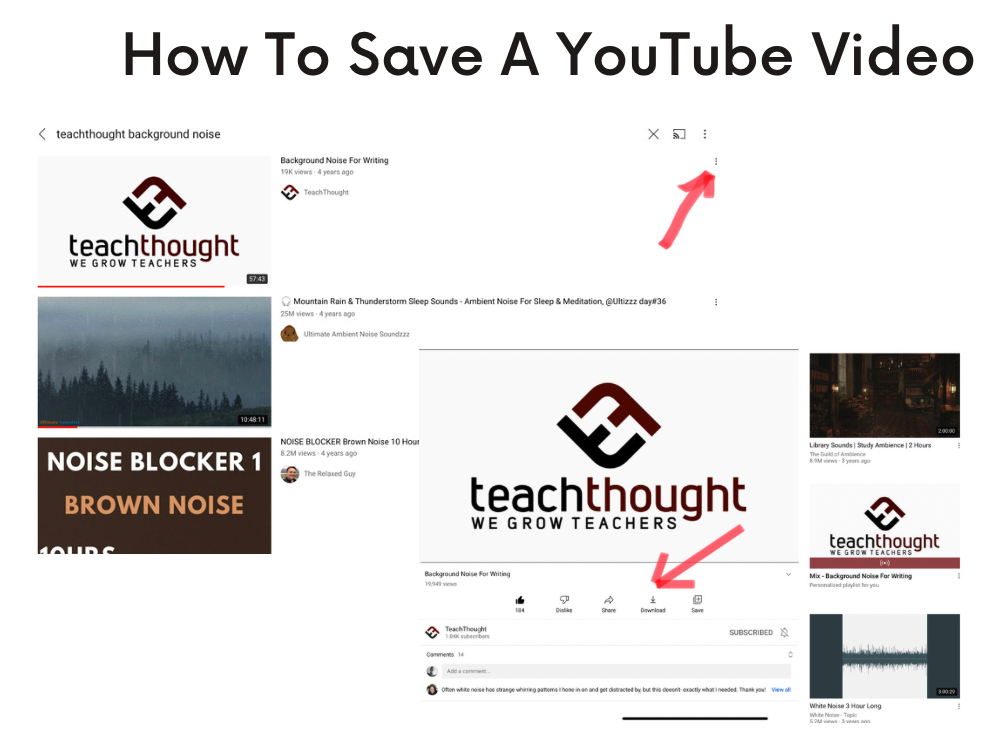
1. Utilize YouTube Premium’s Download Feature
YouTube Premium subscribers can download videos directly within the YouTube app for offline viewing. This feature is particularly beneficial for educators who anticipate internet connectivity issues during lessons.
However, it’s important to note that these downloads are accessible only within the app and are not stored as standalone files on your device.
Note, this ‘download’ is only for offline viewing with an active subscription. Obviously, you wouldn’t these videos or have access to them outside of the legal Terms & Conditions.
2. Use Trusted Third-Party Downloaders
For those without YouTube Premium, several reputable third-party tools allow for downloading YouTube videos:
- ClipGrab: A free, open-source application compatible with Windows, macOS, and Linux. It’s user-friendly and doesn’t come bundled with unwanted software.
- MiniTool Video Converter: This tool enables batch downloads and supports various formats, including MP4 and MP3. It’s particularly useful for downloading entire playlists or videos with subtitles.
- iFunia YouTube Downloader: Available for both Mac and Windows, iFunia supports high-resolution downloads up to 8K and offers batch downloading capabilities.
When using third-party tools, always ensure they are downloaded from official websites to avoid potential security risks.
3. Try Browser Extensions
Browser extensions can simplify the downloading process
- Video DownloadHelper: Compatible with Firefox and Chrome, this extension detects videos on web pages and offers download options.
- SaveFrom.net Helper: This extension adds a download button directly on YouTube pages, facilitating quick downloads.
Note: Browser extensions may have limitations based on browser updates and YouTube’s policies.
4. Use Online Download Services
Web-based services require no installation and can be convenient:
- Y2mate: Allows downloading videos in various formats and resolutions.
- KeepVid: Supports downloading from multiple platforms, including YouTube.
Caution: Be wary of intrusive ads and ensure you’re using the correct website, as many clones exist.
5. Download to External Storage Devices
After downloading videos, transferring them to USB drives or external hard drives can be beneficial, especially in schools with strict internet policies. This method ensures you have access to necessary content without relying on internet connectivity.