

Since the late 1990s, PowerPoint has been a fixture in schools. Whiteboards changed into projectors and projectors changed into smartboards, but the slide deck was always there. Why? Because a good presentation breaks big chunks of information into small pieces that are easier to understand. Over the years, teachers save time by reusing and revising the same decks over and over again. Students remember what they see better than what they read on thick handouts.
What has changed recently is not PowerPoint itself, but how presentations get put together. AI tools can now create whole decks from a short prompt, a PDF, or a Word file. No more aligning text boxes by hand or hunting for stock images. For teachers and students who already have too many things to do and deadlines to meet, that shift matters more than any new feature Microsoft has added in the last ten years.
Why Do We Still Use Slide Decks in the Classroom?
It is entirely possible to lecture without slides. A lecture with good slides is usually better. Teaching with PowerPoint works because the format fits the way the brain absorbs information — one idea at a time, supported by something visual, reinforced with repetition on the next slide.
Slide decks are particularly effective in teaching for three reasons:
Structure. A deck forces the presenter to order thoughts into a sequence. That discipline serves the educator as much as the student. Clear slide order means a clear argument.
Access. Students who miss class can review the deck later. Shared slides become study material, revision guides, and reference documents long after the session ends.
Adaptability. The same core deck works across multiple semesters with minor updates. A statistics lesson from last year needs new examples, not a new structure.
PowerPoint for students also builds a transferable skill. Every business role, conference talk, and funding pitch uses slides. Students who learn to create clear, functional decks carry that ability throughout their careers.
How Has AI Changed the Way Decks Get Built?
The traditional PowerPoint workflow in the classroom meant starting from a blank slide or a generic template. Formatting consumed more time than content creation. An educator with deep subject expertise still needed an hour to make fifteen slides look passable.
AI slideshow makers have compressed that timeline substantially. The latest tools can take a topic description, class notes, or an uploaded file and produce a fully designed deck with organized sections, relevant images, and consistent styling. When teachers feed a semester’s worth of notes into an AI presentation maker online, the tool returns an editable outline in minutes. That saves hours of manual formatting. The outline-first workflow puts the subject expert at the centre. The teacher rearranges sections and adjusts the focus before the final slides are generated, with AI handling the production layer.
At the start of a new semester, this shift is especially valuable. Building twenty to thirty lecture decks from scratch is a project that spans weeks. With AI-assisted generation, it becomes a targeted editing effort rather than a design marathon.
What Makes an Effective Educational Slide Deck?
Not all decks teach well. A common mistake is treating slides like a document projected on a wall — full paragraphs, small fonts, no breathing room. Educational presentations that actually improve learning follow different principles.
One Idea Per Slide
A slide with three competing points does not teach any of them well. Each slide should make one claim, display one image, or pose one question. The next slide builds on that. Students process content in sequence. Cramming a slide with information forces them to decide what to read first instead of following your lead.
Visuals That Mean Something
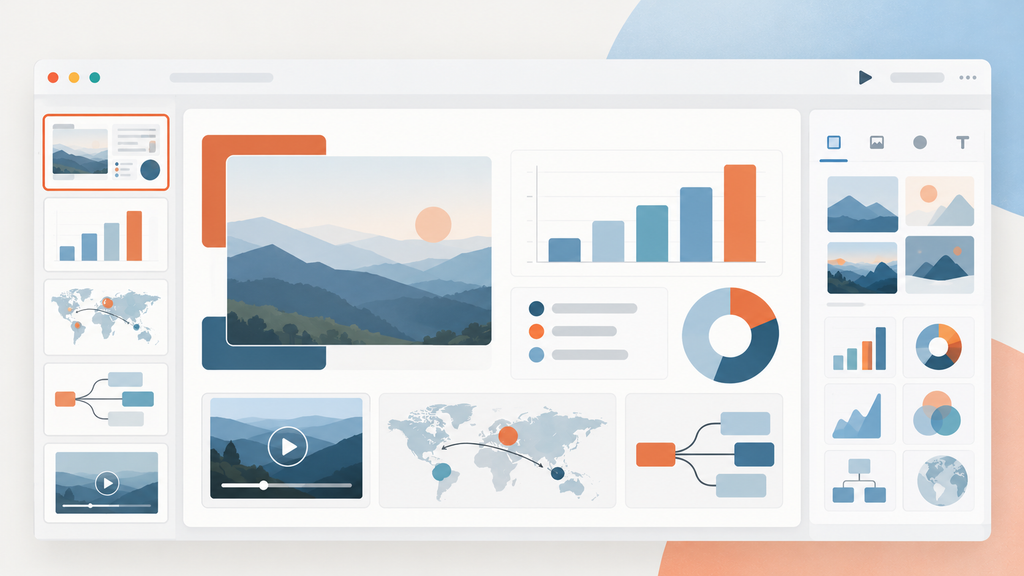
A photograph of a historic event can convey scale and emotion faster than a paragraph describing it. Charts and diagrams convert data into spatial relationships that the brain processes almost instantly. Interactive PowerPoint elements like embedded videos, clickable infographics, and branching quiz questions push engagement further. A well-placed poll question every four or five slides keeps attention from drifting.
| Design Element | Good Usage | Common Mistake |
| Text on slide | Short phrases, max 6 lines | Full paragraphs copied from notes |
| Font size | Minimum 24pt for body text | 12pt text unreadable past row three |
| Images | One relevant image per slide | Decorative stock photos and clip art |
| Animation | Reveal points in a sequence | Too many distracting transitions |
| Colour contrast | Light background, dark text | Low-contrast combinations |
Built-In Interaction Points
According to research, students remember exercises that require them to analyse images, fill in blanks, interpret charts, or answer questions far better than passively watching slides. Hyperlinks, triggered animations, and branching paths in PowerPoint can transform a lecture into a guided experience rather than a one-way broadcast.
How Can Educators Save Time Without Losing Quality?
The core problem is time. Most teachers know how to use PowerPoint well. The hard part is finding the hours to apply that knowledge to every deck, every week, every semester.
A practical workflow that balances speed and quality looks like this:
- Write the lecture as notes or bullet points — focus on what to teach, not how it looks
- Feed the content into an AI slideshow tool to get a structured first draft
- Review the outline and rearrange sections to match the flow of the talk
- Edit slides for accuracy, add discipline-specific images, and remove generic filler
- Export to PPT or Google Slides for final tweaks before projecting in class
That five-step process takes roughly thirty minutes for a fifteen-slide deck. A manual deck built from a blank template takes two to three hours. The instructor has final say on every change, so the content quality stays the same. AI bridges the production gap between knowing what to say and having a finished deck ready to project.
What File Formats Matter for Classrooms?
PPT and PPTX remain the universal standard. PDF works for read-only distribution. Google Slides compatibility is critical for schools that use Workspace. Any tool that locks exports behind a paywall seriously limits its classroom usefulness.
Final Thoughts
Using PowerPoint in education is not a trend or a novelty. It is infrastructure. The production layer is evolving. AI handles templates, layouts, and formatting so educators and students can focus on content and delivery. A well-taught deck is worth more than a polished-looking one, and the current generation of AI slideshow makers now makes it possible to have both without spending an entire evening on slide design.