A Short History Of Education Technology
It’s not surprising that education technology has undergone incredible change in the last 10 years. But what was it like before?

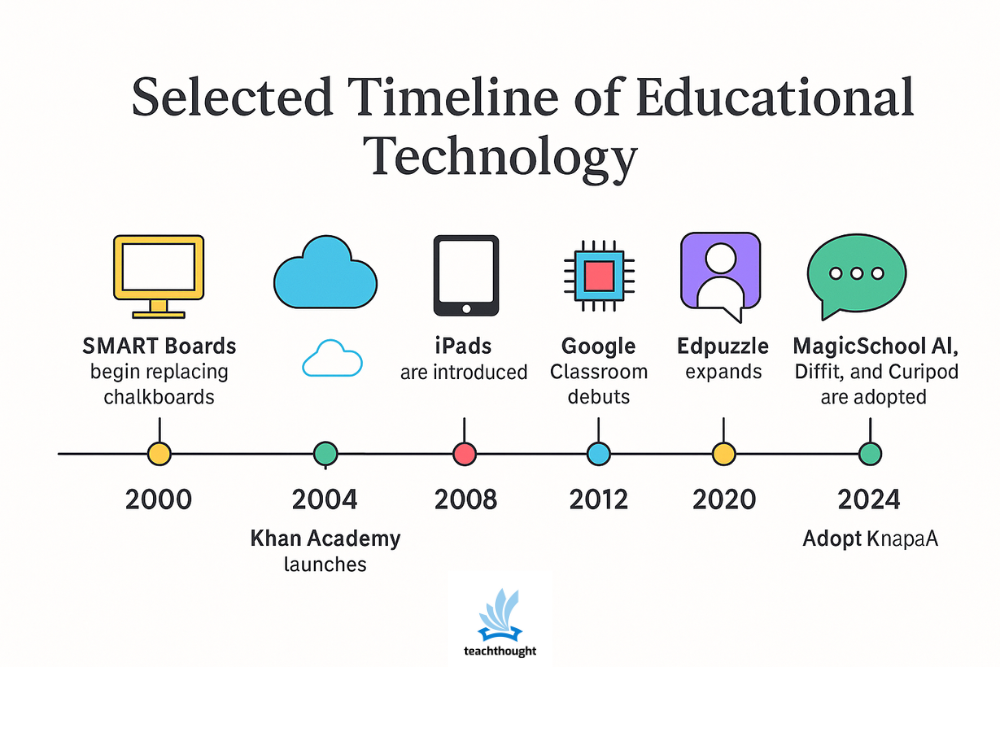
It’s not surprising that education technology has undergone incredible change in the last 10 years. But what was it like before?
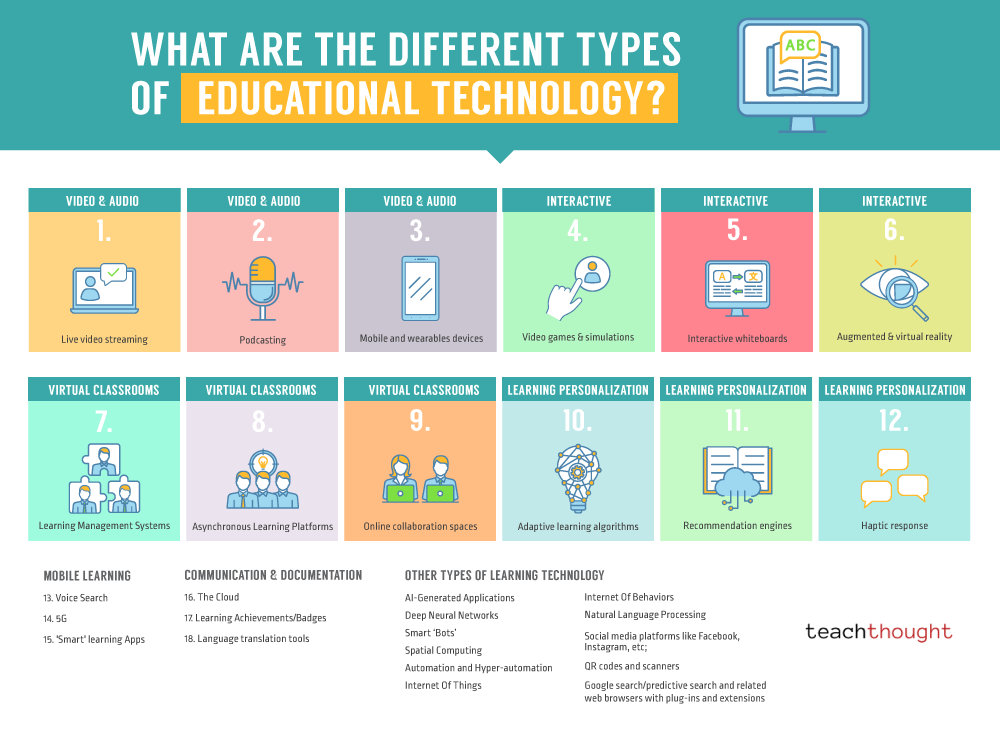
Examples of education tech include mobile devices, adaptive learning algorithms, the cloud, podcasting, and virtual reality.

Social media stalking is repeated, unwanted monitoring of someone’s posts, messages, or activity that causes discomfort or fear and may escalate to harassment.
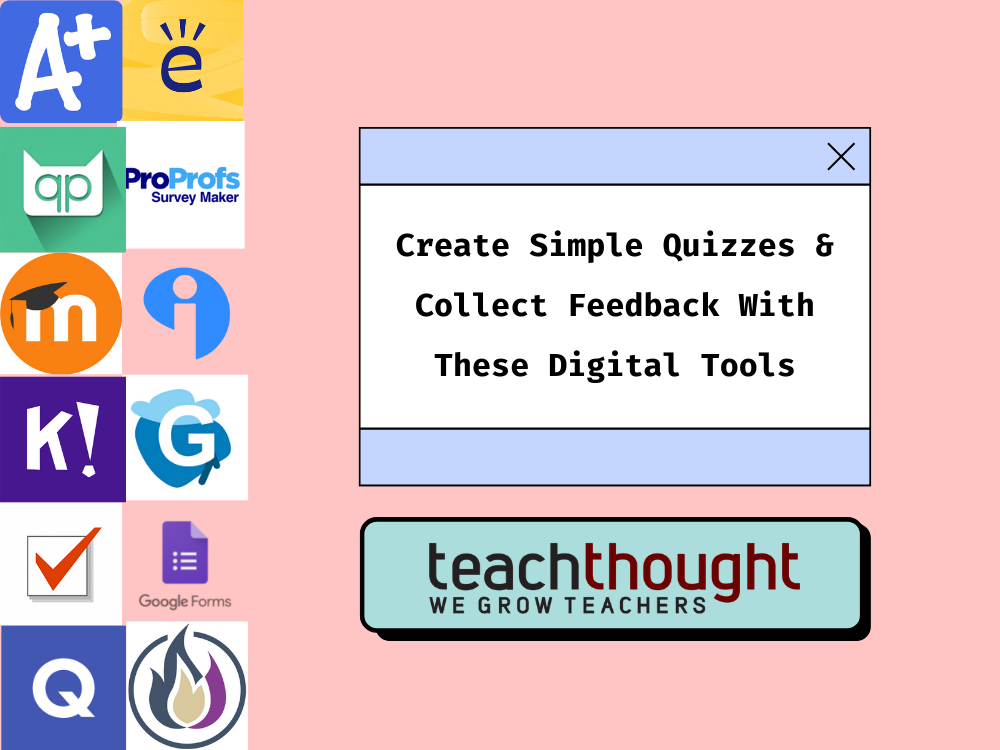
These sites, tools, and apps can save teachers time by allowing them to create simple quizzes and collect feedback from students.
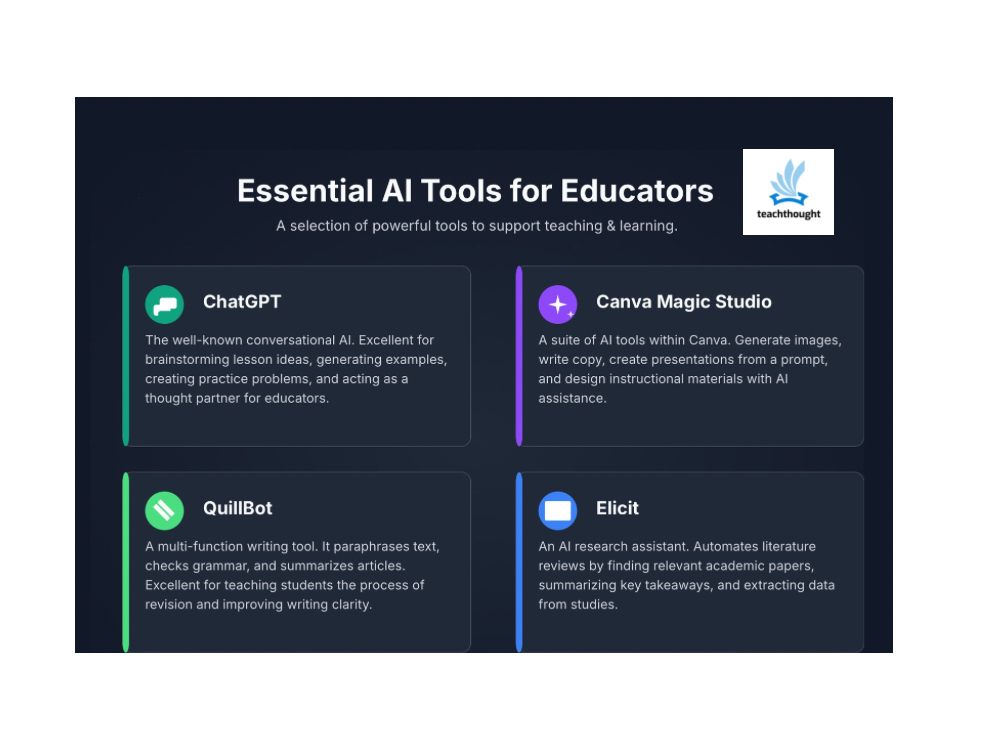
From Afforai to Litmaps to ChatGPT, here are 26 free tools that support research, writing, and teaching for K–12 and higher ed educators and students.
![20 Ways To Use QR Codes In Education [Updated]](https://www.teachthought.com/wp-content/uploads/2025/11/TT-FI-PlaceHolder-768x576.png)
1. Quick Access to Rubrics: Place a QR on the assignment sheet or wall that opens the scoring guide.
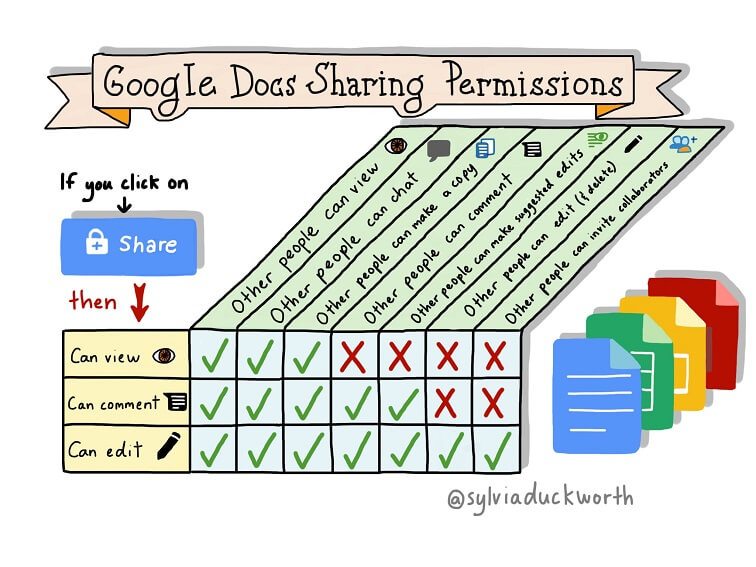
Learn the ins and outs of the sharing & privacy settings of Google Docs to help keep class information safe & to teach digital citizenship.

Games can serve as platforms for lessons in math, science or just about anything — even if they weren’t designed to be educational.
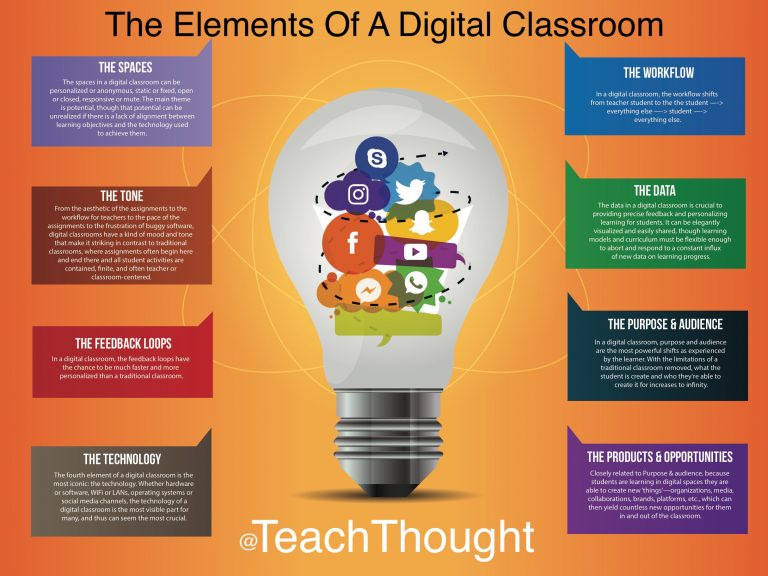
In a digital classroom, teachers can become worried that no ‘real learning’ is happening or that they’ve somehow failed to plan sufficiently.
A biology teacher’s honest take on using AI to build formative assessments faster, without sacrificing the pedagogical thinking behind them.
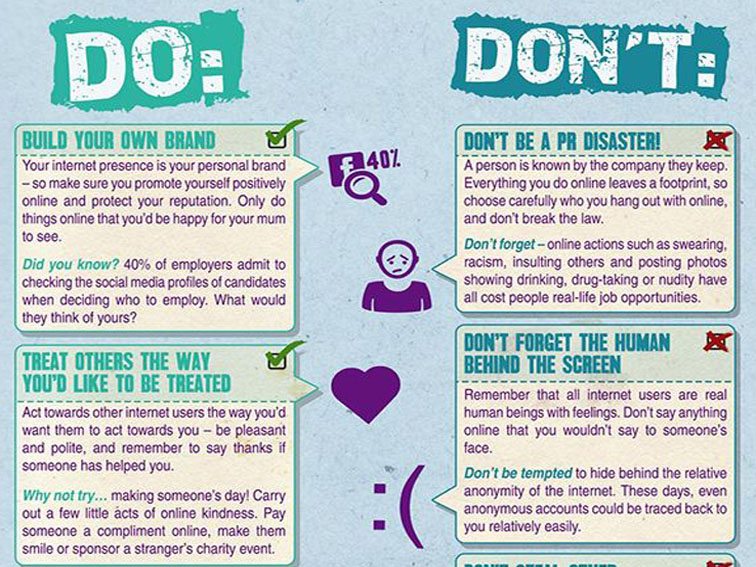
Be mindful of the content you share, comment on, or engage with, as it can have long-term consequences.
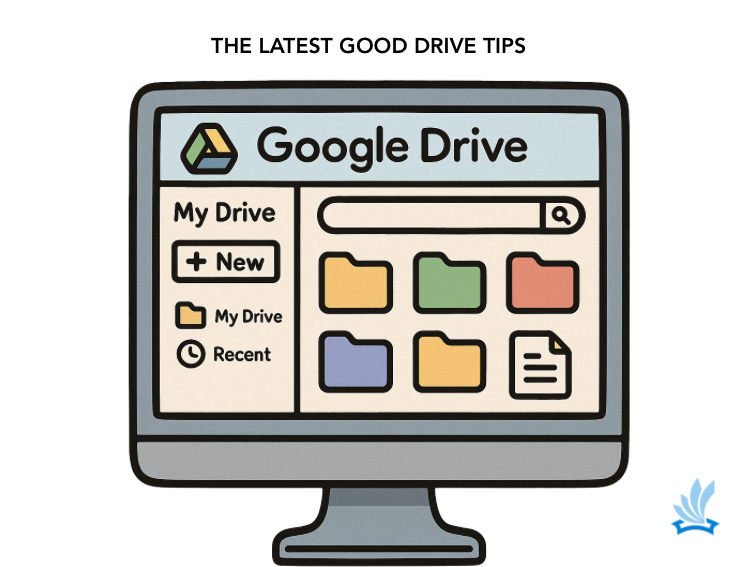
Use keywords, file types (e.g., ‘presentation,’ ‘essay,’ ‘PDF’), dates, or even specific phrases within documents to pinpoint what you need instantly.
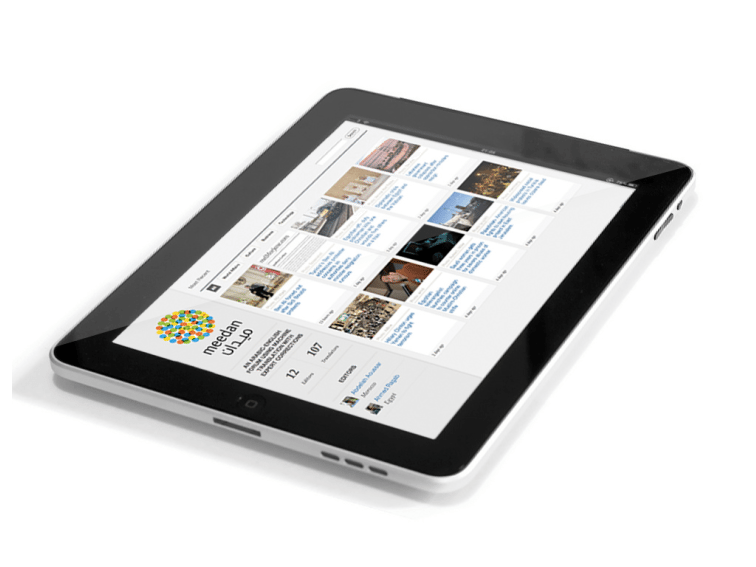
If the iPad turns on, identifying which version you have is simple: Settings > General > About. If it won’t power on, there’s still a way.
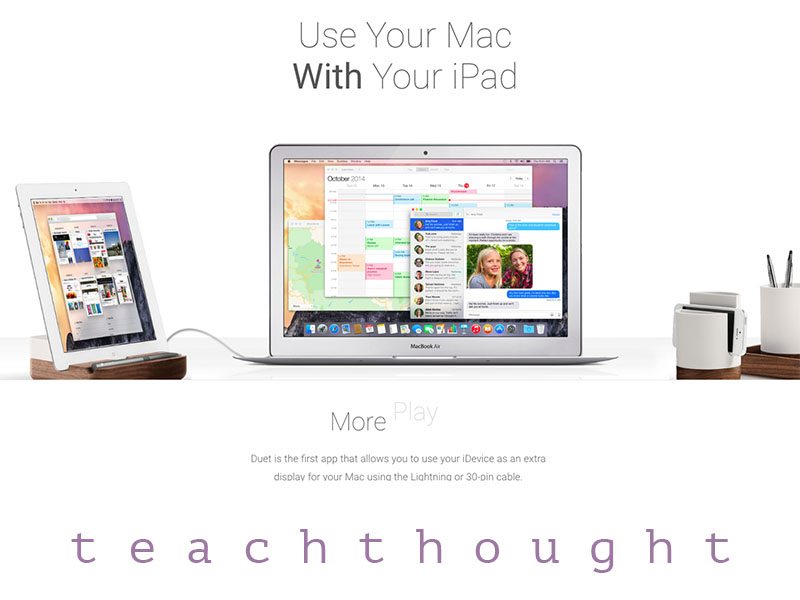
iOS’s native Sidecar is probably the easiest way to use your iPad as a second screen.