10 Of The Best Coding Apps For Students
What are the best coding apps for students? From HopScotch to Codea and more, here are coding tools to help you get started in the classroom.

What are the best coding apps for students? From HopScotch to Codea and more, here are coding tools to help you get started in the classroom.
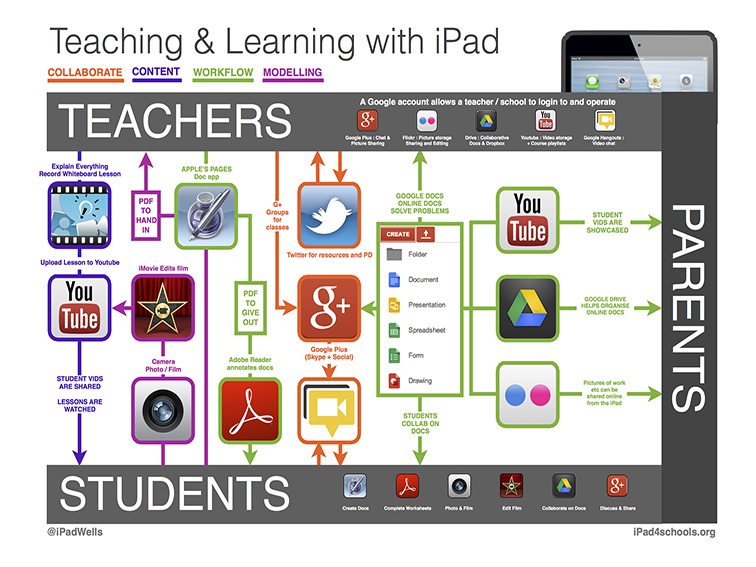
This collection is designed to reflect trends and changes–of the best resources for teaching with the iPad.
While there have been some challenges to overcome, I am now thinking about how Google Meet fits into my classroom long-term.
These 12 rhyming dictionaries and tools can help you find rhyming words, synonyms, and other forms of creative wordplay.
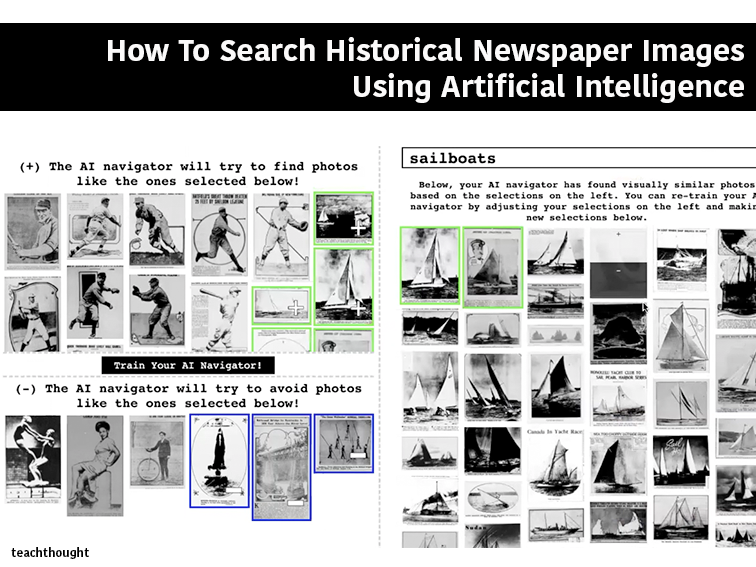
The tool uses artificial intelligence to help users to search visual content in American newspapers dating from 1789-1963.
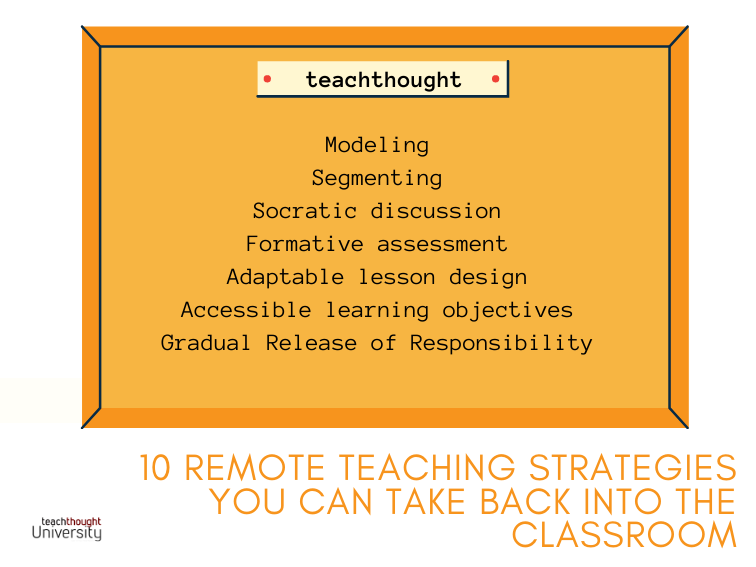
In a physical classroom, the beginning, middle, and end play important roles but with more flexibility and opportunities for collaboration.
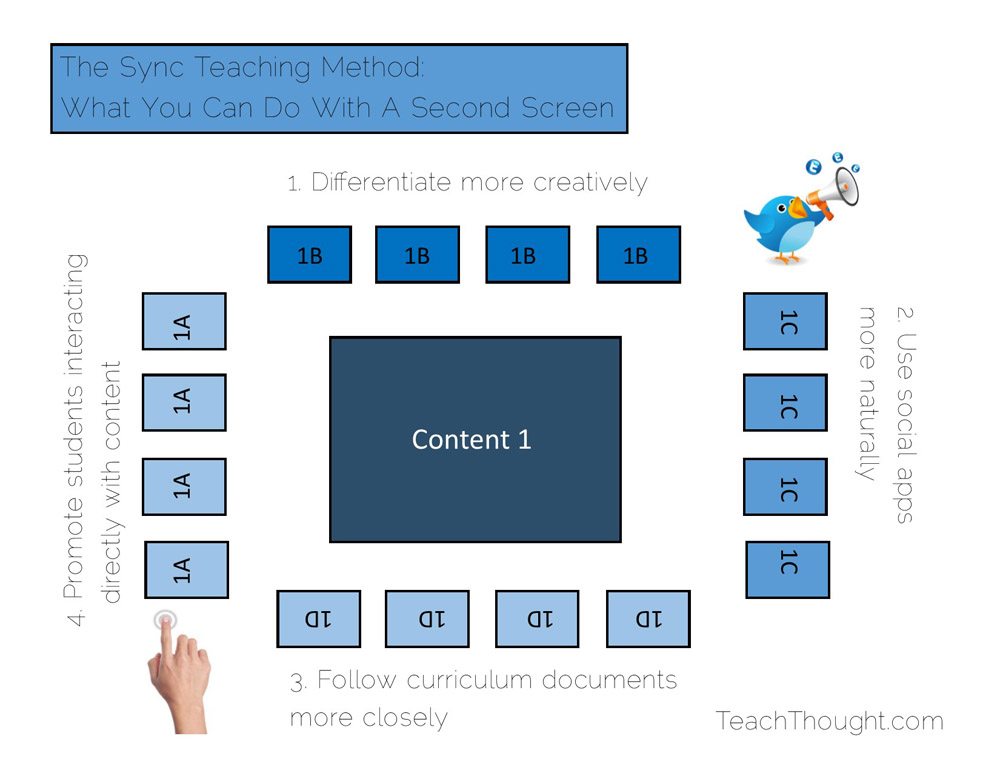
Second screen learning provides access to personalized content while the teacher guides the lesson. This is the Sync Teaching Method.

Social media has emerged as a kind of standard for connecting with and staying in touch with friends, family, coaches, and more.
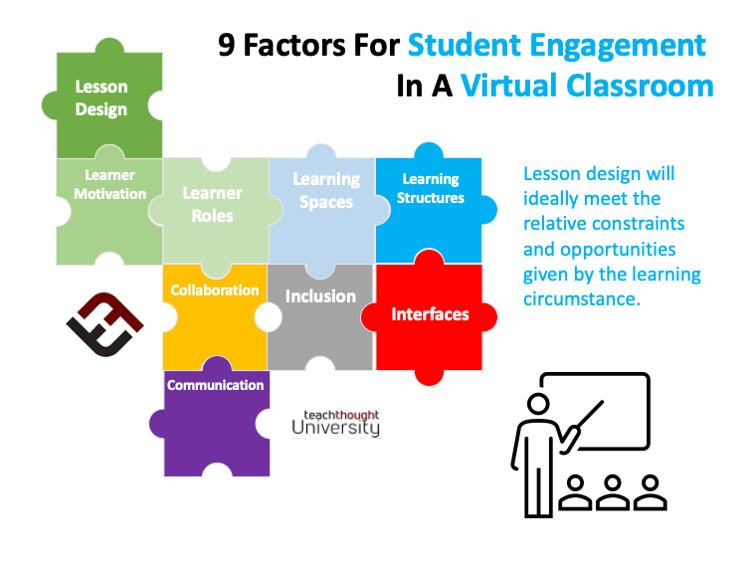
Principles of student engagement in a virtual classroom include learning spaces, lesson design, and equitable access.
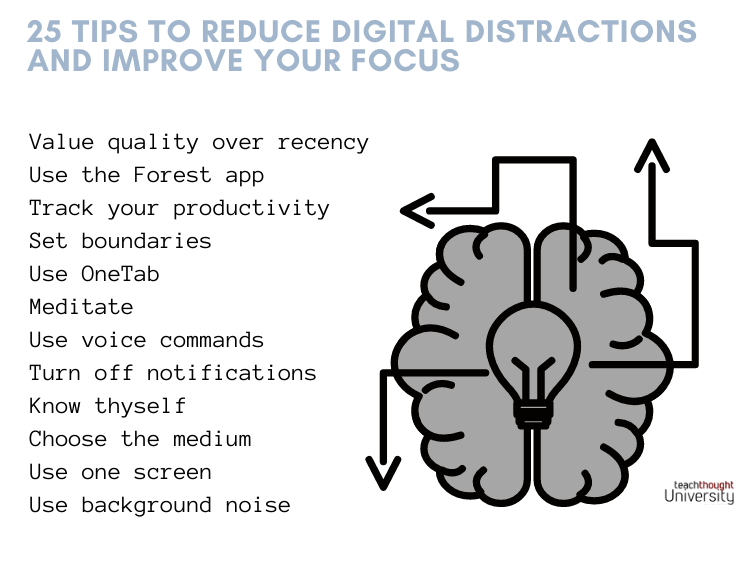
Most of us are constantly being bombarded by digital distractions. The good news is that we can keep them from hindering our concentration.
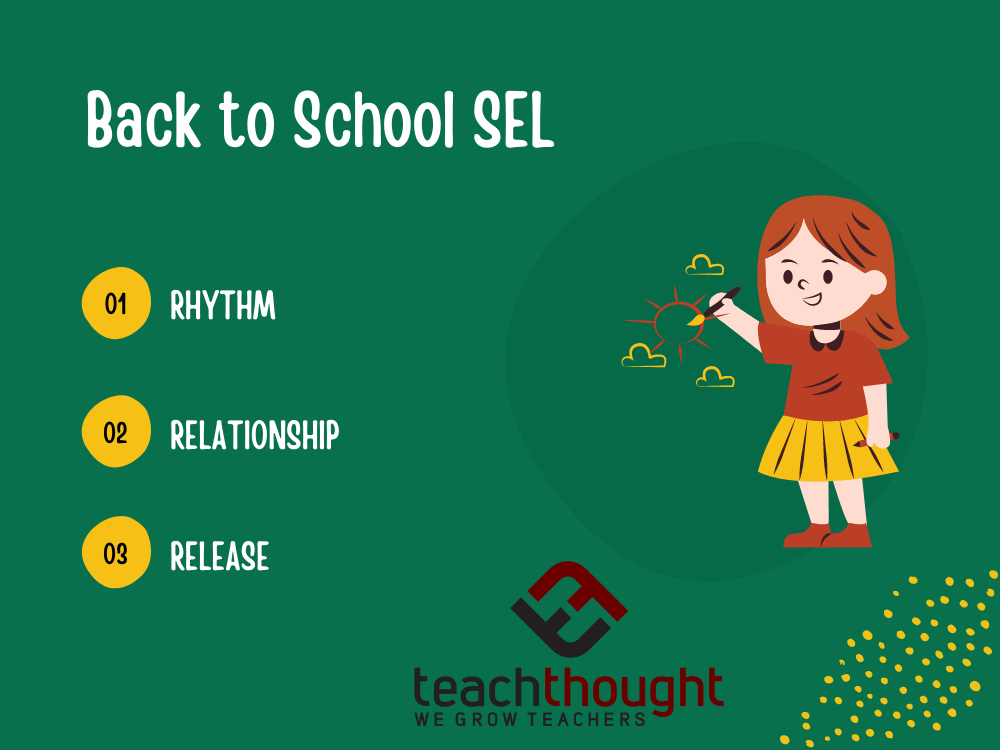
Consistent routines, rituals, and structures help children feel safe. Here are three strategies for promoting back to school SEL.
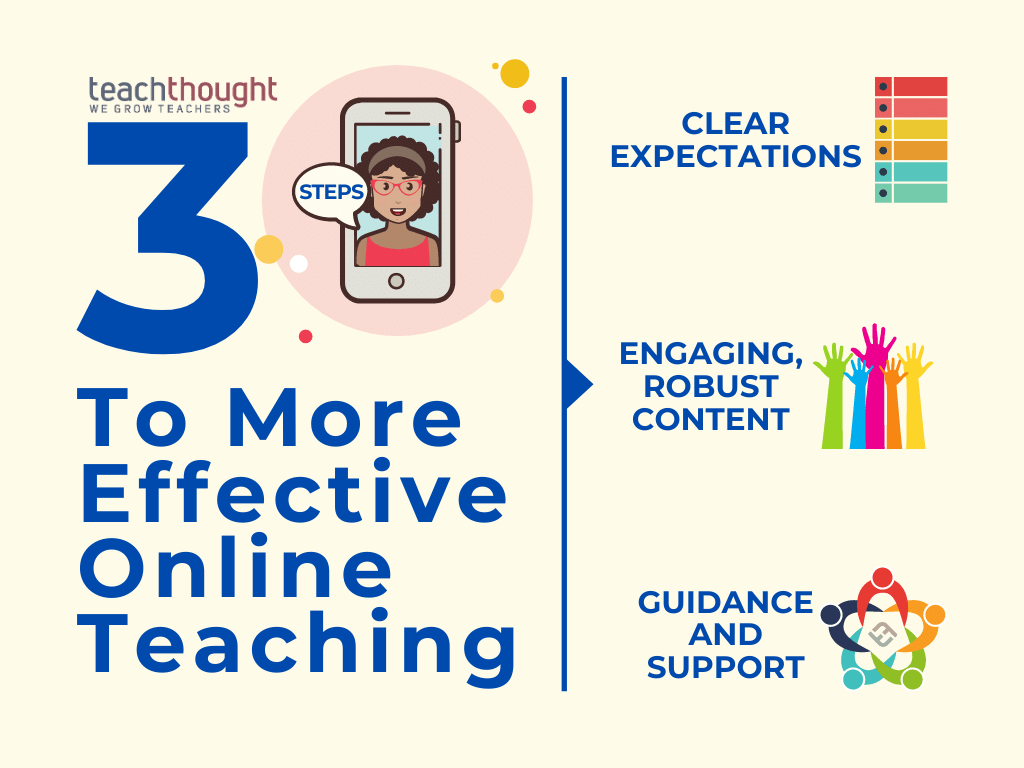
Consider including social-emotional learning strategies in your routines and practices for students for effective online teaching.
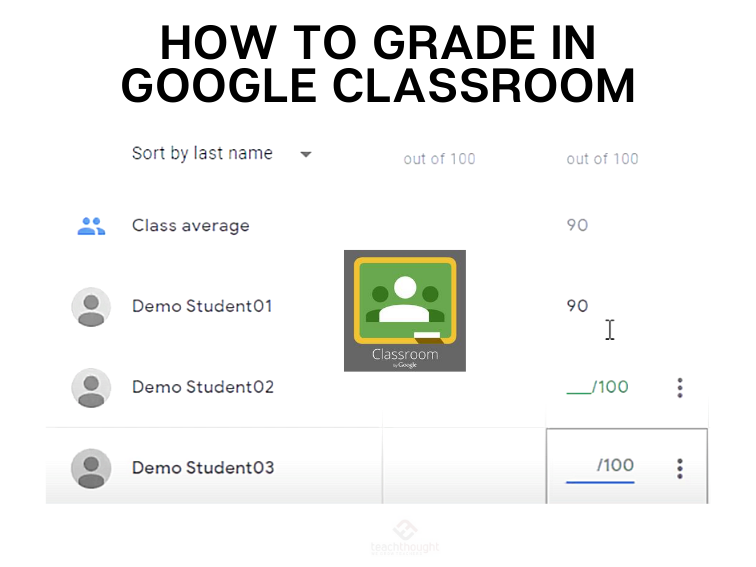
In Google Classroom, you can give a numeric grade, leave comment-only feedback, or do both. You can also return assignments without grades.
Zoom is a great platform but that doesn’t mean it can’t be extended and improved. Here are 20+ of the best Zoom tools for teachers.