20 Ways To Use QR Codes In Education [Updated]
1. Quick Access to Rubrics: Place a QR on the assignment sheet or wall that opens the scoring guide.

![20 Ways To Use QR Codes In Education [Updated]](https://www.teachthought.com/wp-content/uploads/2025/11/TT-FI-PlaceHolder-768x576.png)
1. Quick Access to Rubrics: Place a QR on the assignment sheet or wall that opens the scoring guide.

One student engagement strategy is to offer diverse pathways through content–pathways students would have to ‘unlock’ to progress.
Games can serve as platforms for lessons in math, science or just about anything — even if they weren’t designed to be educational.
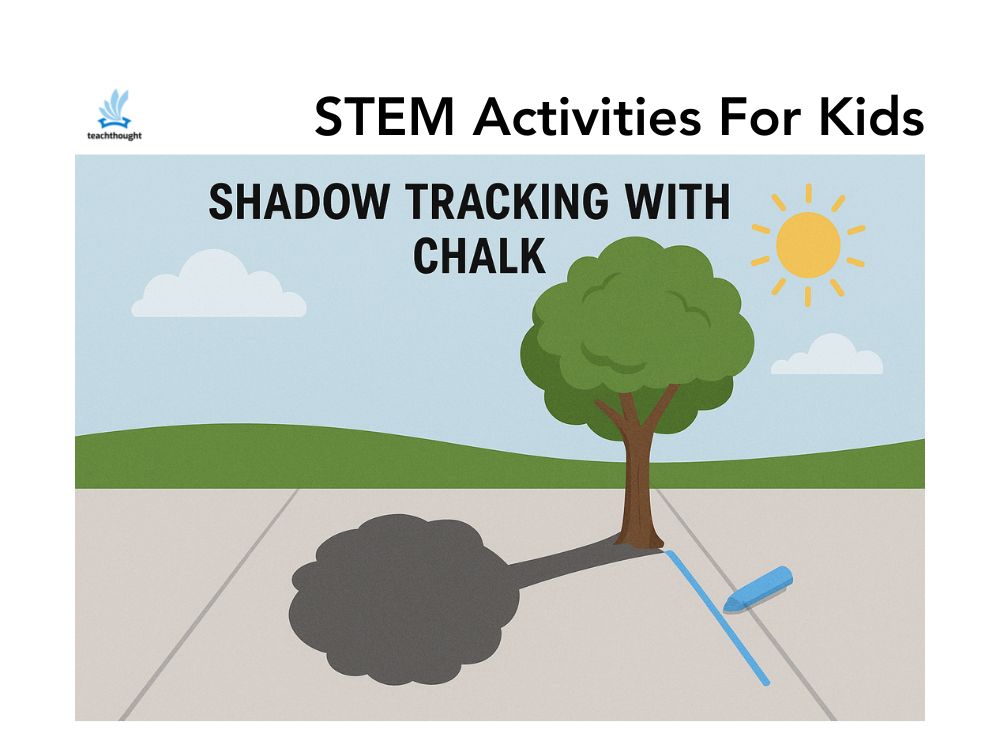
Rub a needle with a magnet, float it on a leaf in water, and watch it align north-south. Explore magnetism and navigation!
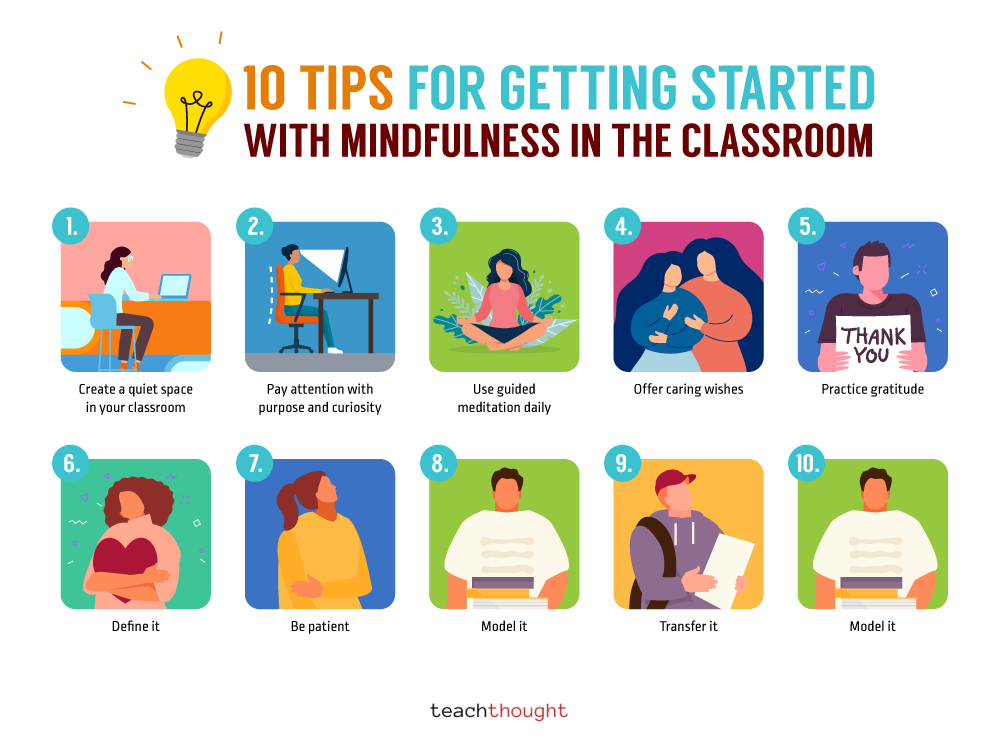
Lisa Thomas Prince and Lori Gustafson offer the following ten tips for teaching mindfulness in the classroom at any grade level.
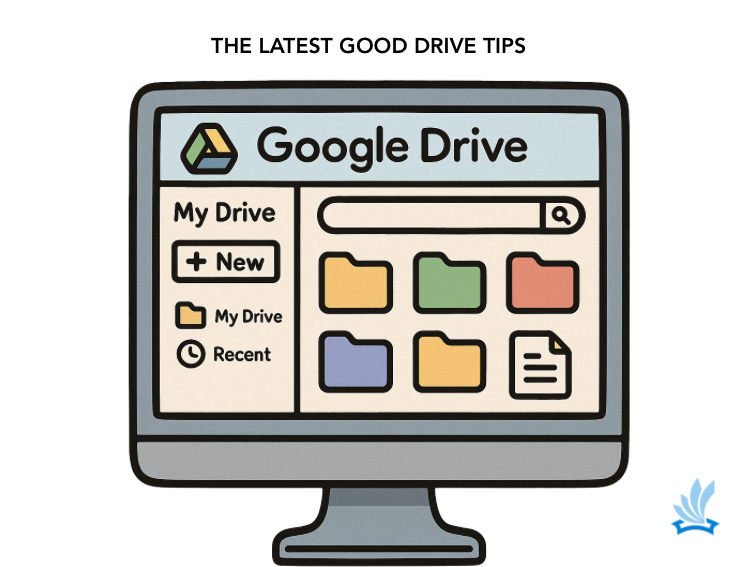
Use keywords, file types (e.g., ‘presentation,’ ‘essay,’ ‘PDF’), dates, or even specific phrases within documents to pinpoint what you need instantly.
Brains grow with use, just like muscles. Scientists call this neuroplasticity.

Massive Open Online Courses (MOOCs) allow learners access to free courses facilitated by top educators and experts in every subject area.
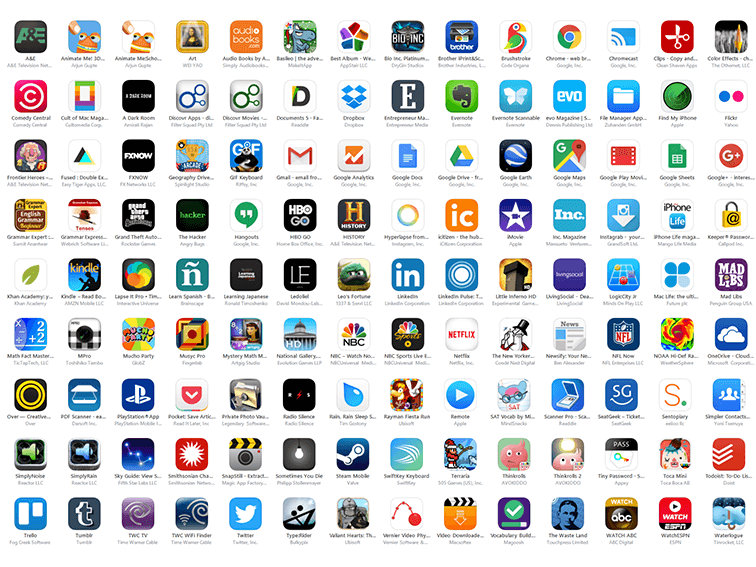
The best apps for teachers include Explain Everything, IXL, PDF Pro, Microsoft OneNote, AnyPlan, and Remind.

Certain tools can use the AI-powered auto reframe to adapt horizontal videos for vertical platforms like TikTok or Instagram Reels
These represent the best Pinterest boards in education and we hope that you are able to find something useful from at least one!
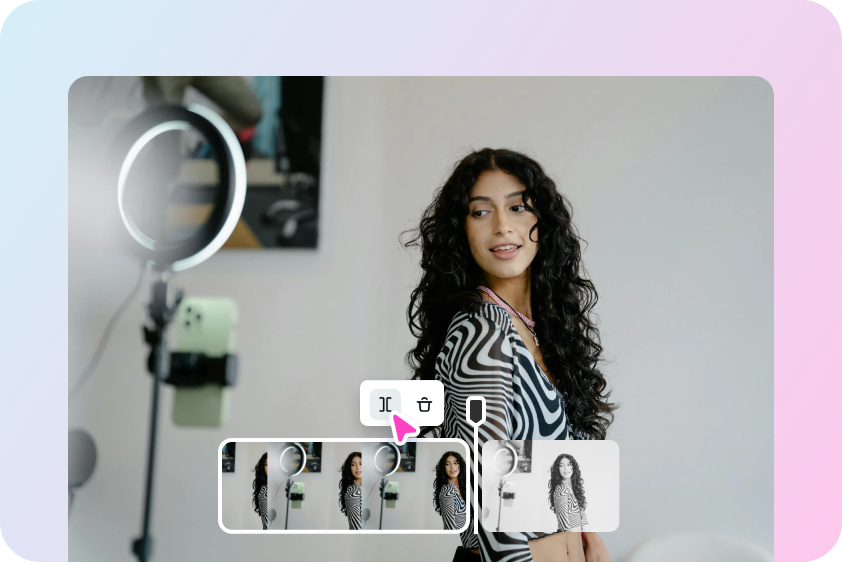
Video editing can feel like an endless rabbit hole.
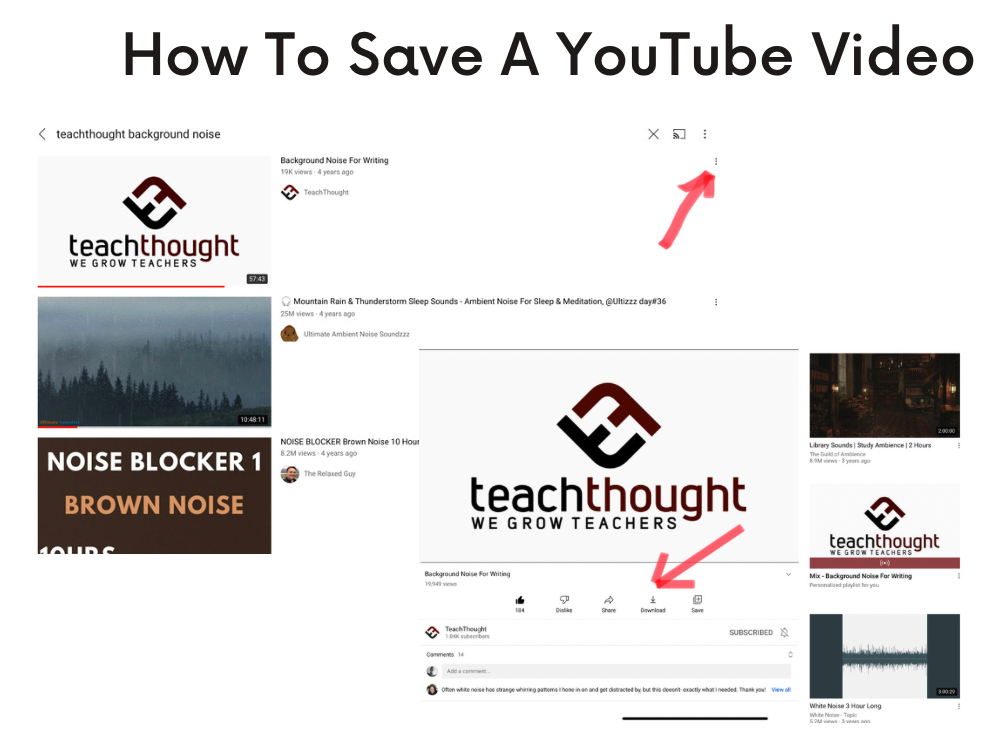
For those without YouTube Premium, several reputable third-party tools allow for downloading YouTube videos.
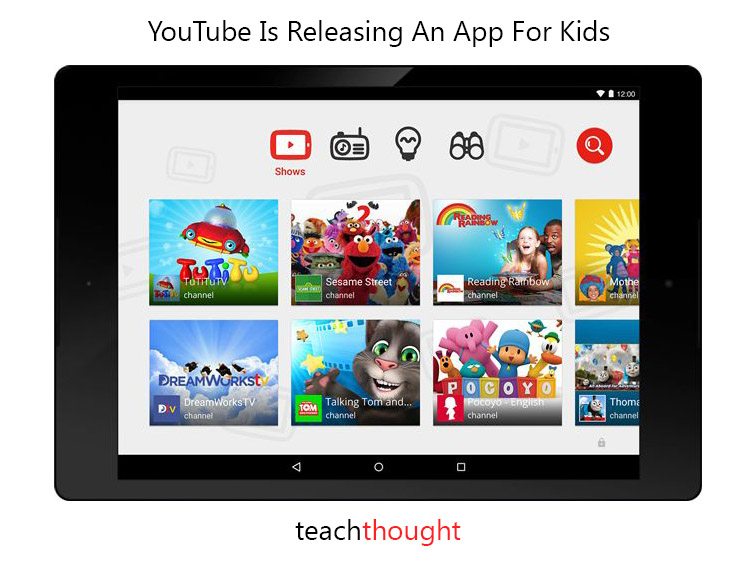
YouTube for Kids is a child-friendly app that curates age-appropriate content for various age ranges.