36 iPad Apps For Struggling Readers & Writers
Here, are a few amazing iPad apps for struggling readers and writers to help them see school as fun and engaging, not a struggle.
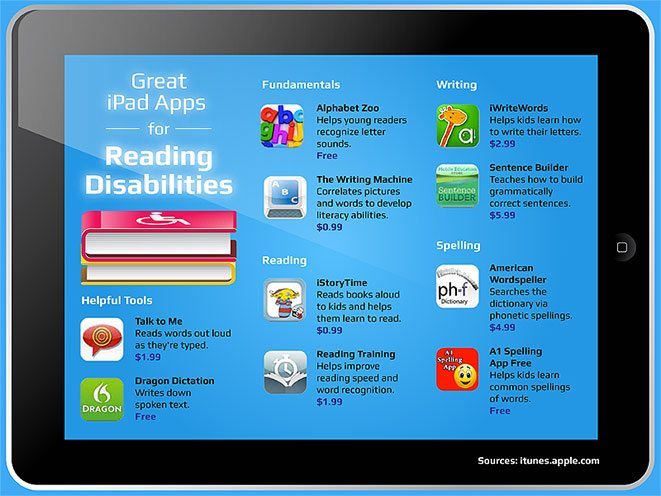
Here, are a few amazing iPad apps for struggling readers and writers to help them see school as fun and engaging, not a struggle.
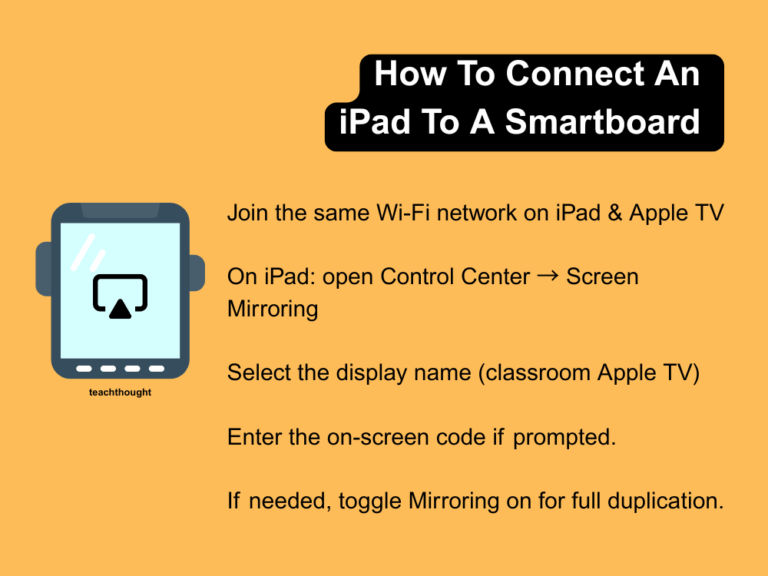
By displaying the iPad on the projector, you’ve got an easy way to broadcast your screen–or a student’s screen–to the entire class.
From Khan Academy to Canva, these 25 apps make informal learning practical and engaging—ideal for Genius Hour, self-directed projects, or personal growth.
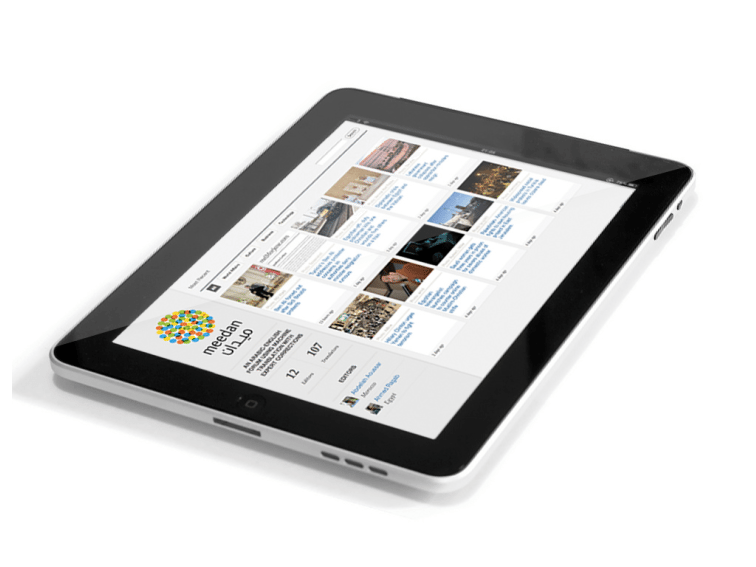
If the iPad turns on, identifying which version you have is simple: Settings > General > About. If it won’t power on, there’s still a way.
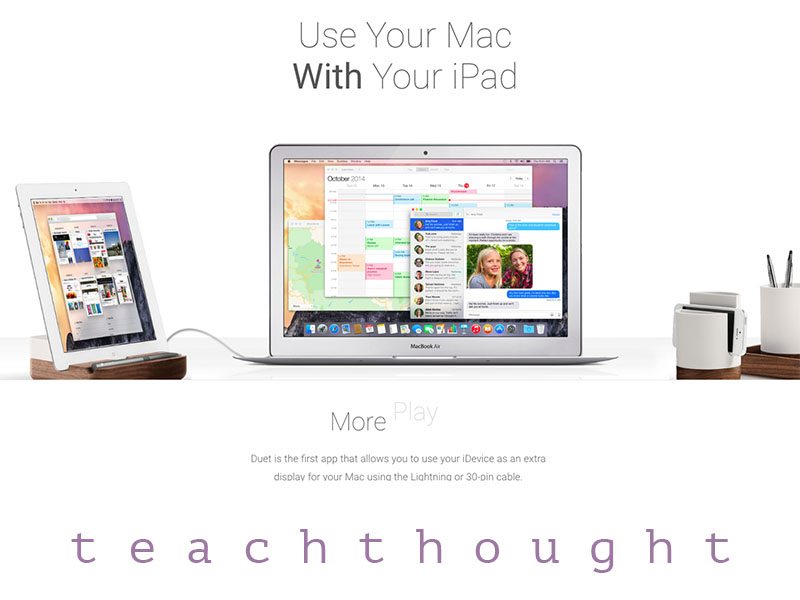
iOS’s native Sidecar is probably the easiest way to use your iPad as a second screen.
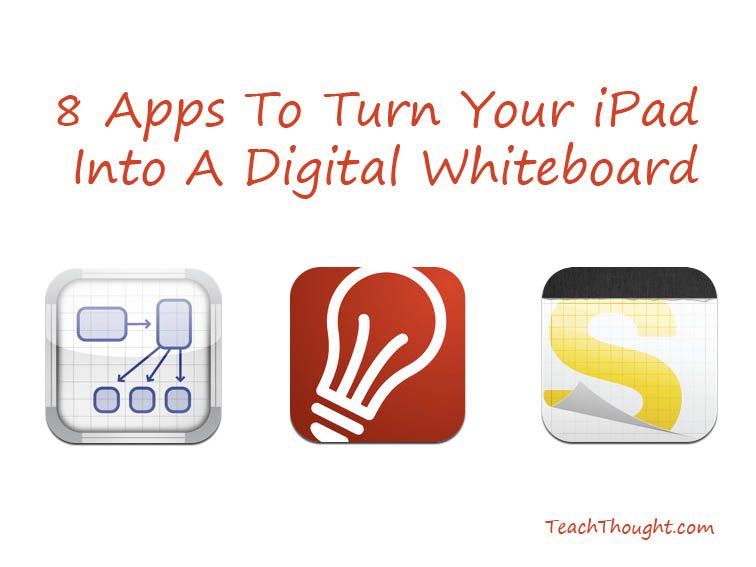
Eight current digital whiteboard tools for teaching, with notes on features, classroom uses, and choosing the right fit.
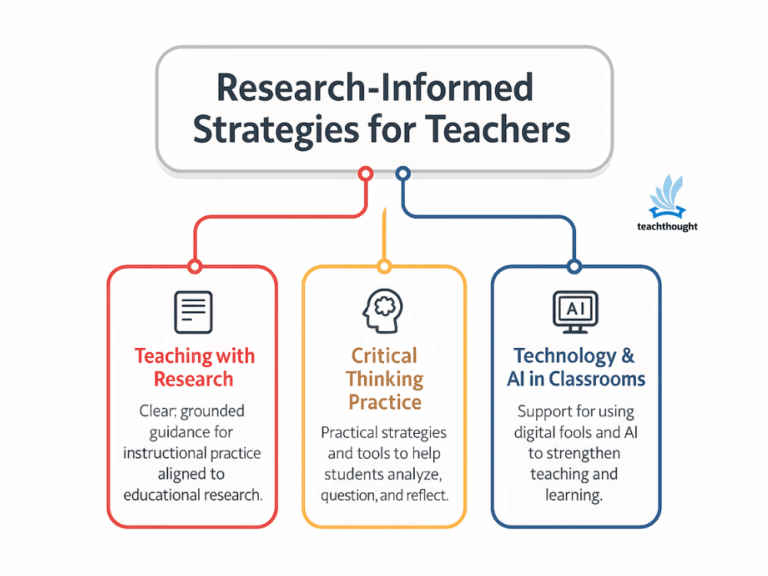
Newsla provides Leveled nonfiction with quizzes to build vocabulary and comprehension.
Explore essential iPhone apps for language translation. Unlock seamless communication with these top 10 iOS language translation tools.
With these 12 apps that teach reading, children can learn how to write letters, improve phonics fluency, and even write their own books.
Brilliant, IXL, Seesaw, Khan Academy, FlipGrid, and Marco Polo are just a few of the best learning apps for 2022.
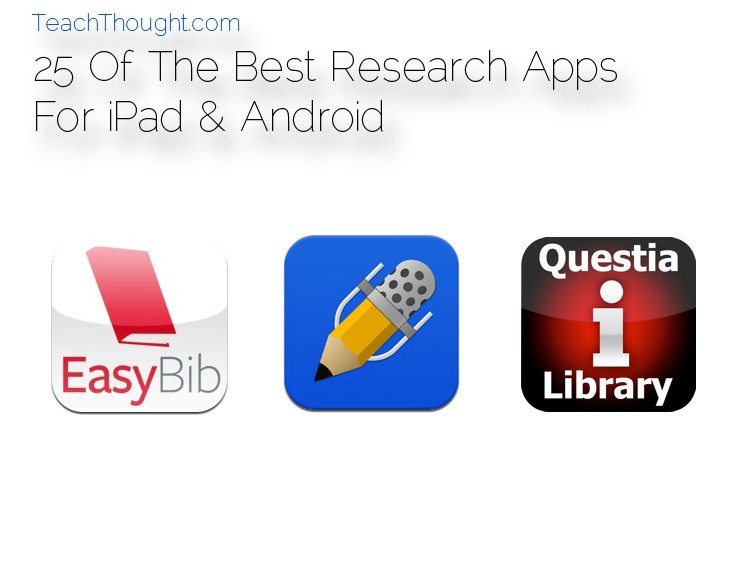
Discover the top research apps for iPad and Android devices, from PDF annotation with iAnnotate to seamless note-taking with Notability.
Whether you’re introducing students to concepts (e.g., Pi) or skills (e.g., dividing fractions), here are 12 of the best math apps for kids.
Good podcasts can widen what students know, sharpen how they think, and offer real-world perspective.
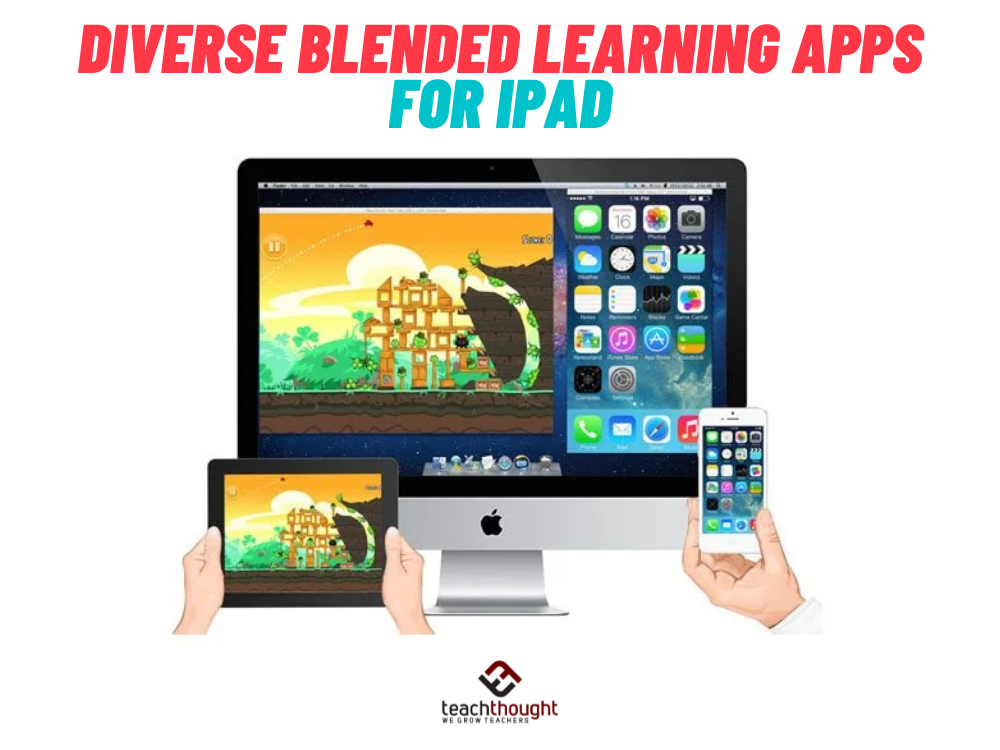
These diverse blended learning apps for iPad include learning management systems, screen capture software, and video creation tools.