How To Create Your Own Digital Rubik’s Cube
To get an idea of what it’s like to solve a Rubik’s Cube on a desktop, you can check out Google’s Rubik’s Cube.

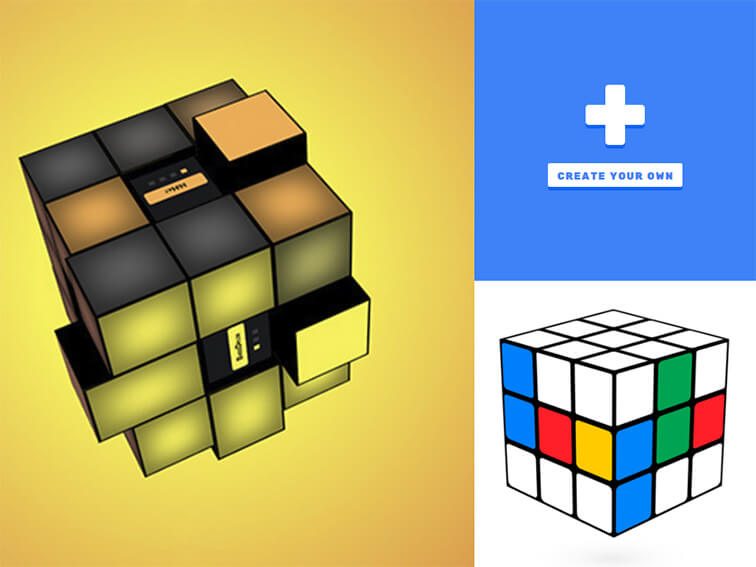
To get an idea of what it’s like to solve a Rubik’s Cube on a desktop, you can check out Google’s Rubik’s Cube.

There’s a great opportunity here to create a database of creative assignments, worksheets, readings, and research instructions.
Using Infographics As Multimodal Learning Tools: A Guide by Sara McGuire, venngage.com People don’t all learn the same way. Teachers know this, and that’s why multimodal learning methods are an essential part of any teacher’s toolkit. Responding to the changing linguistic landscape caused by digital media and communication, many teachers are leveraging the multimodal learning…
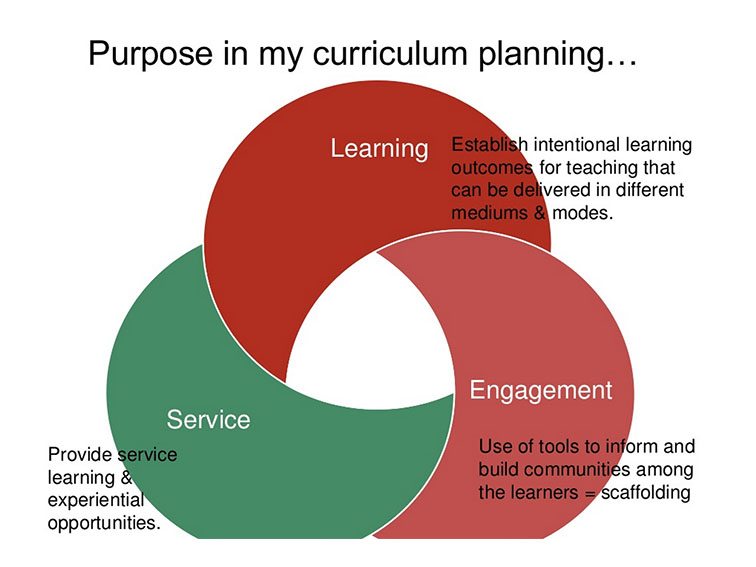
If you’re a teacher and you’re in any way digital, there are some strategies you might consider to lubricate the interaction between the two.
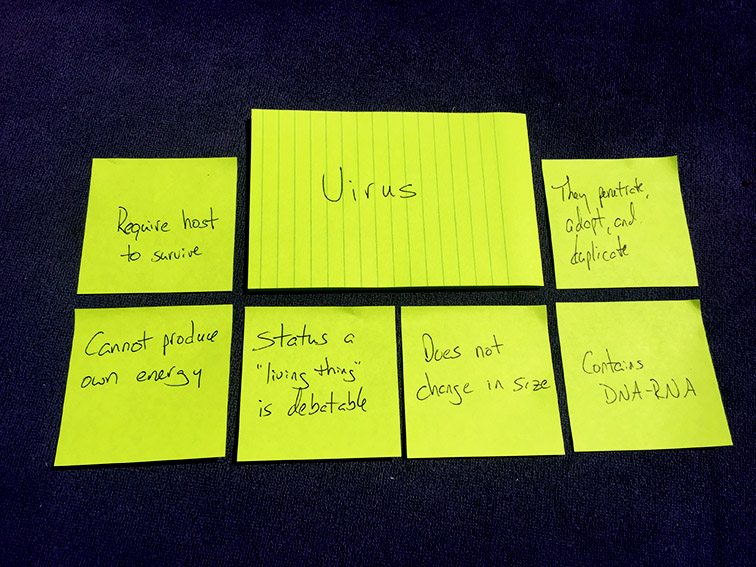
How To Use Post-it® Super Sticky Notes To Promote Critical Thinking by TeachThought Staff How can Post-it® Super Sticky Notes be used to promote critical thinking in the STEM high school classroom? Quite effectively, it turns out–especially if you’re familiar with Concept Attainment as a teaching and learning strategy. The Post-it® Brand recently conducted a…
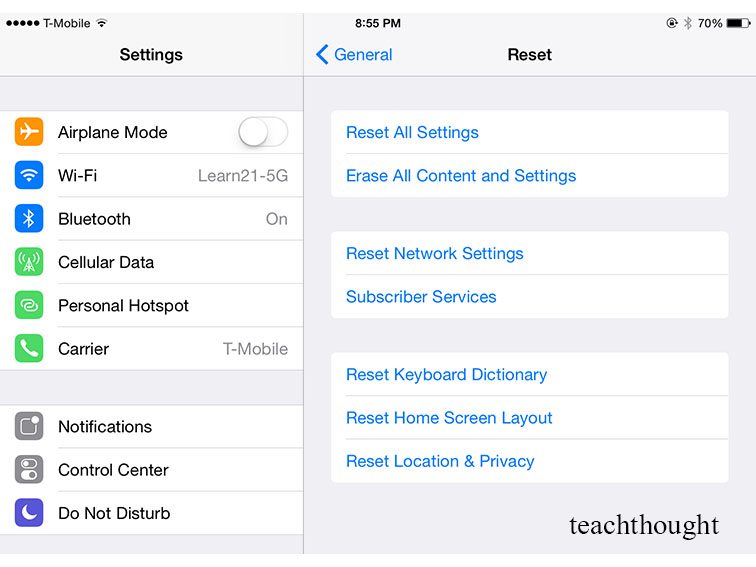
Hold down your Power and Home button until you see the white Apple logo showing that it is rebooting.
While it will be impossible to prevent it altogether, there are ways to prevent cyberbullying–and strategies to respond when it does.
If literacy is the foundation of learning, tools that promote its integration can be considered equally foundational. Let’s take a look at Google Docs.
Google dominates the cloud. This makes sense when you consider the genius of Google’s strategy that started with brilliant search and web-based email (at one point, that was a big deal), then used that as an anchor to develop digital “stuff” for every area of your life, from calendar and productivity suites, maps, wallet, Google…
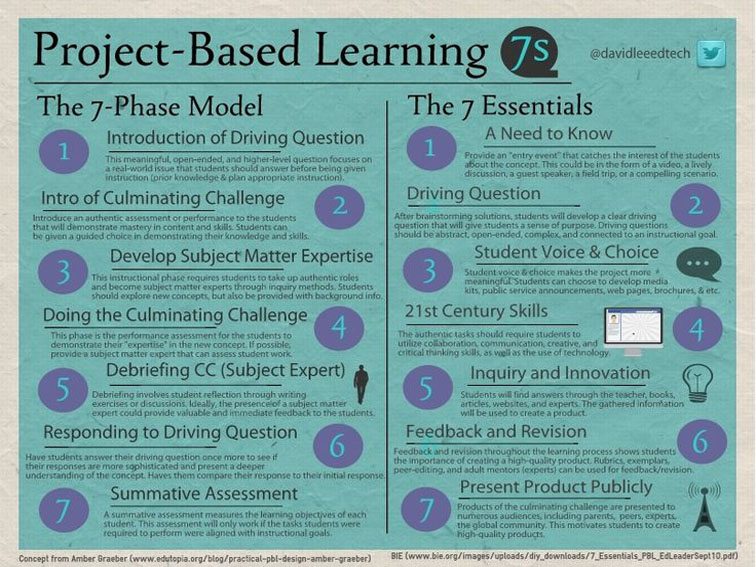
Student voice and choice, publishing, and a driving question are some of the essential ingredients of project-based learning.
Kaizena is a voice feedback tools for Google Drive that teachers can use to provide learning feedback to students.
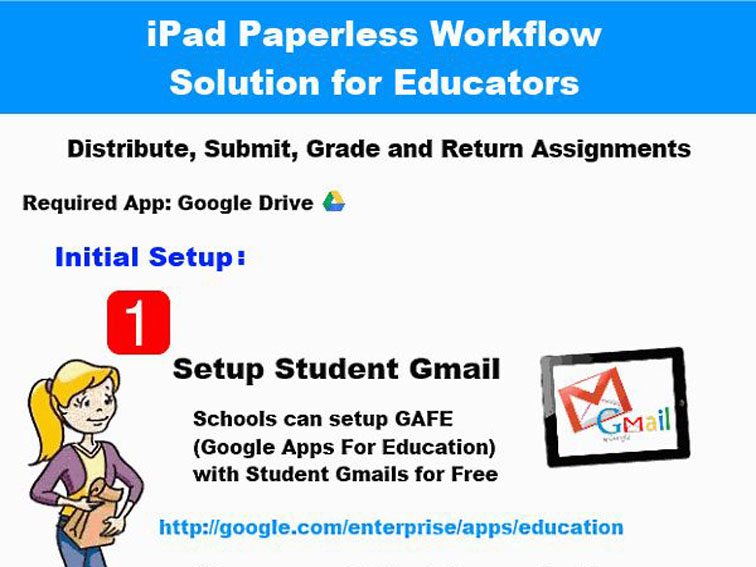
How To Create A Paperless Classroom With Your iPad Update: Some of the feedback we are getting (an example of which you can see below in the comments section) is suggesting you might need certain rights for this to work–namely access to Google Apps in Education, and District admin rights. We will update this post…
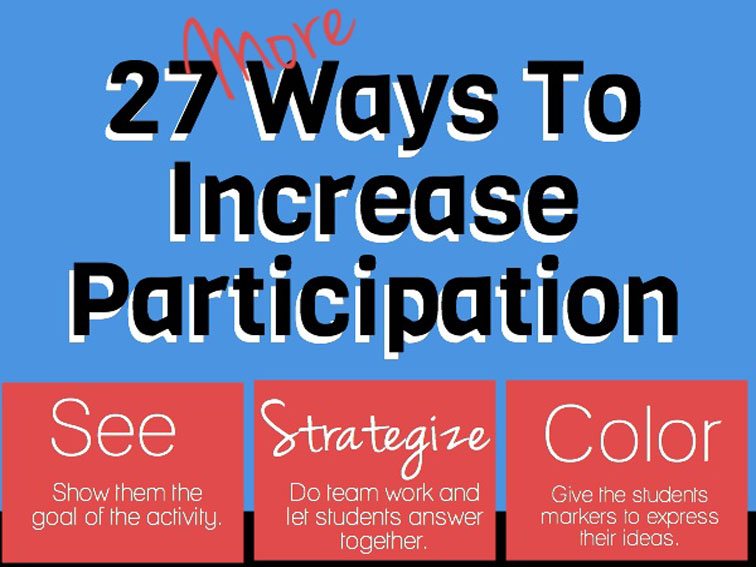
Student engagement is often (wrongly) thought of in terms of ‘paying attention’: quietly making eye contact and maybe asking questions.
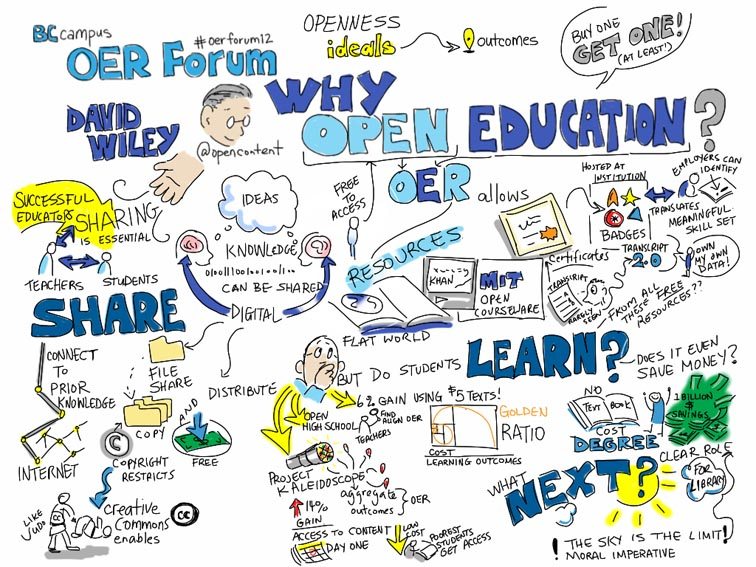
Visual notes–also know as Sketch notes–look cool, but they also contain considerable cognitive potential, forcing learners to combine both left and right-brain approaches while internalizing often complex ideas, and then turning those ideas into visual narratives. We’ve covered how to take visual notes on the iPad previously, and looked at making student thinking visual as…